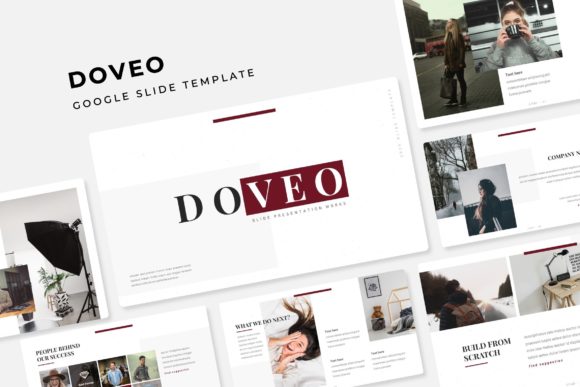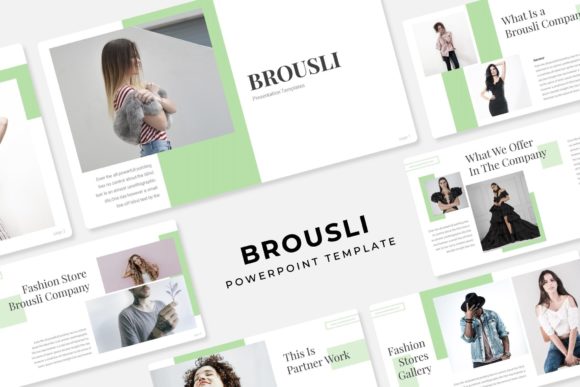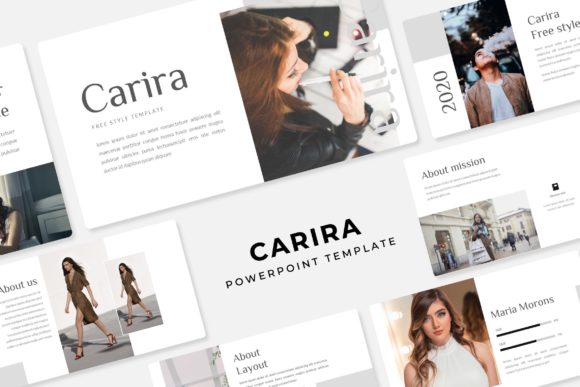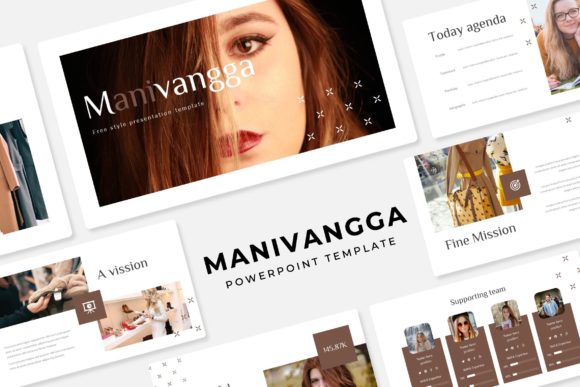
Anabys Power Point Template: Elevate Your Presentations with Style and Functionality
Creating a compelling and professional presentation can be a daunting task, especially when you need to balance content, design, and functionality. The Anabys Power Point Template is designed to help you overcome these challenges by providing a versatile, visually appealing, and user-friendly solution for your presentations.
Understanding the Challenges of Presentation Design
When it comes to creating presentations, there are several common challenges that many users face:
- Design Consistency: Maintaining a consistent and professional look across all slides can be difficult, especially if you're not a graphic designer.
- Content Clarity: Ensuring that your message is clear and engaging without overwhelming your audience with too much information or cluttered visuals.
- Time Constraints: Crafting a high-quality presentation from scratch can be time-consuming, especially when you have other important tasks to handle.
The Anabys Power Point Template addresses these challenges by offering a pre-designed, customizable solution that saves you time and effort while ensuring a polished and professional appearance.
Key Features of Anabys Power Point Template
The Anabys Power Point Template is packed with features that make it a powerful tool for anyone looking to create impressive presentations:
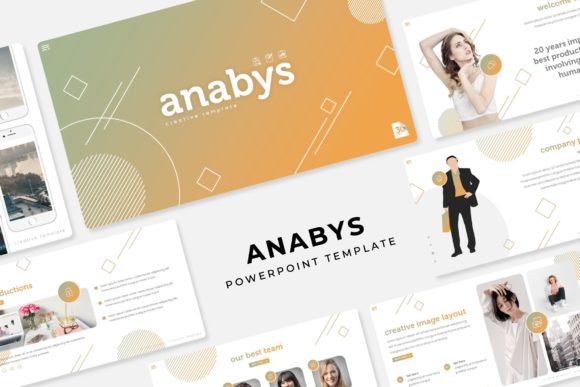
- 150 Total Slides: With 30 slides for each of the 5 premade color variations, you have ample options to choose from, ensuring that your presentation is both comprehensive and visually diverse.
- 5 Premade Colors: Each template comes in 5 different color schemes, allowing you to select the one that best aligns with your brand or personal preference.
- Handcrafted Infographics: The templates include beautifully designed infographics that can be easily customized to fit your specific data and messaging needs.
- Section Break Slides: These slides help you organize your content into logical sections, making it easier for your audience to follow along.
- Gallery and Portfolio Slides: Showcase your work, projects, or products with professionally designed gallery and portfolio slides that highlight your achievements.
- Resizable and Editable Graphic Picture Placeholders: Drag and drop your images into the placeholders, and they will automatically resize to fit perfectly, saving you time and effort.
- Based on Master Slides: The use of master slides ensures that any changes you make to the layout or design are applied consistently across all slides, maintaining a professional and cohesive look.
- Pixel-Perfect Illustrations: The templates feature high-quality, detailed illustrations that add a touch of professionalism and visual appeal to your presentation.
Practical Applications and Outcomes
The Anabys Power Point Template is ideal for a wide range of applications, including:
- Business Presentations: Use the templates to create impactful business proposals, sales pitches, or company overviews that leave a lasting impression on your clients and stakeholders.
- Educational Lectures: Enhance your teaching materials with visually engaging and well-structured presentations that keep your students engaged and informed.
- Marketing Campaigns: Develop compelling marketing presentations that effectively communicate your brand's message and value proposition to potential customers.
- Project Reports: Present your project findings and results in a clear and organized manner, making it easy for your team and management to understand and act on the information.
By using the Anabys Power Point Template, you can achieve a more polished and professional presentation, which can lead to better engagement, clearer communication, and ultimately, more successful outcomes.
Tips for Using Anabys Power Point Template Effectively
To get the most out of the Anabys Power Point Template, consider the following tips:
- Choose the Right Color Scheme: Select a color variation that complements your brand or the theme of your presentation. This will help create a cohesive and visually appealing look.
- Customize Infographics: Tailor the infographics to your specific data and messaging needs. This will make your presentation more relevant and impactful.
- Use Section Break Slides Wisely: Organize your content into logical sections using the section break slides. This will help your audience follow along and stay engaged.
- Showcase Your Work: Utilize the gallery and portfolio slides to highlight your achievements, projects, or products. This will add credibility and visual interest to your presentation.
- Keep It Simple: Avoid overloading your slides with too much information or complex designs. Keep your content clear and concise to ensure that your message is easily understood.
Conclusion
The Anabys Power Point Template is a valuable tool for anyone looking to create professional, visually appealing, and effective presentations. Whether you're a business professional, educator, marketer, or project manager, this template offers the flexibility and features you need to deliver a standout presentation. By leveraging the Anabys Power Point Template, you can save time, enhance your content, and achieve better results in your presentations.